Our new patient portal and app

As of June 2, 2026, Watchung Pediatrics has a new patient portal and app, athenaPatient. It's part of an upgrade to the systems we use to manage your care.

Once you've registered, manage everything on the go with the athenaPatient app:

Need records from before June 2?

Open the old portal (read-only through August)

Why the switch?

We have had the opportunity to serve over 60,000 families since our inception. As we continue to grow, our needs as a practice have grown as well. The new EMR will let us integrate the latest medical technology and customize many features to provide a tailored fit, alongside the tried and true Watchung Peds standard. We will be able to provide more streamlined communication and patient charting. From our end to what you see as patients, the process will be seamless and consistently up-to-date.

What to expect

  • A new patient portal and app, athenaPatient — available now on the App Store and Google Play
  • Message your care team, view visit notes and lab results, and manage appointments — on the web or in the app
  • Your records and upcoming appointments transfer automatically — there's nothing you need to do
  • June is a transition month, so appointments will be more limited while we get up to speed. Thank you for your patience.
  • Your current PCC portal stays available, read-only, through August 2026 for past records

Adding your children to your account

Children under 13 can't have their own athenaPatient login, so you'll manage their care through your own account as a parent. That's how it works for most of our families.

Set this up on a computer, not the app. Family access isn't available in the athenaPatient mobile app. Open the patient portal in a web browser, and if you already use the app, log in with that same email and password.

If you don't have an account yet

  1. On the athenaPatient sign-in page, select Sign up.
  2. Under Who will use this account?, choose Patient's family member.
  3. Follow the prompts to create your account, then add your child.

If you already have an account

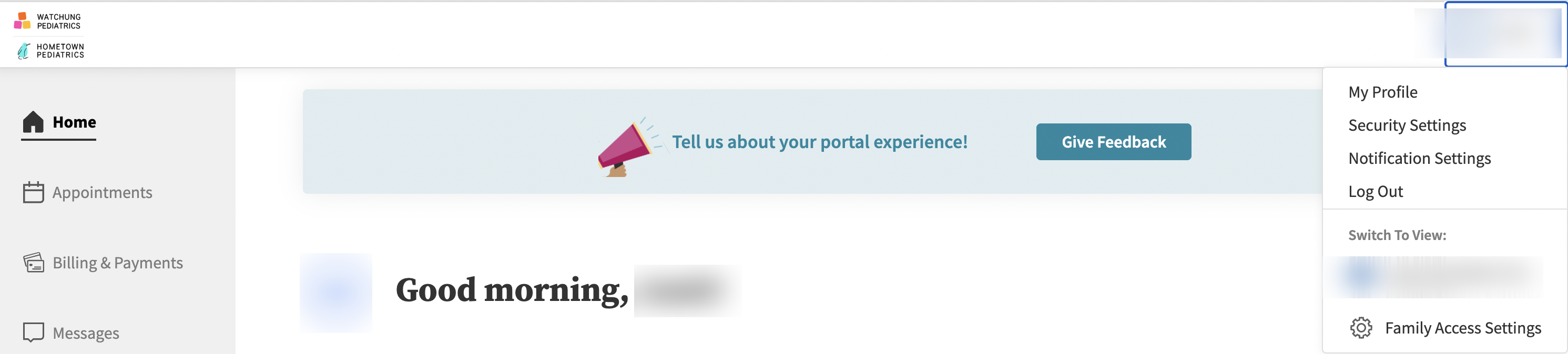
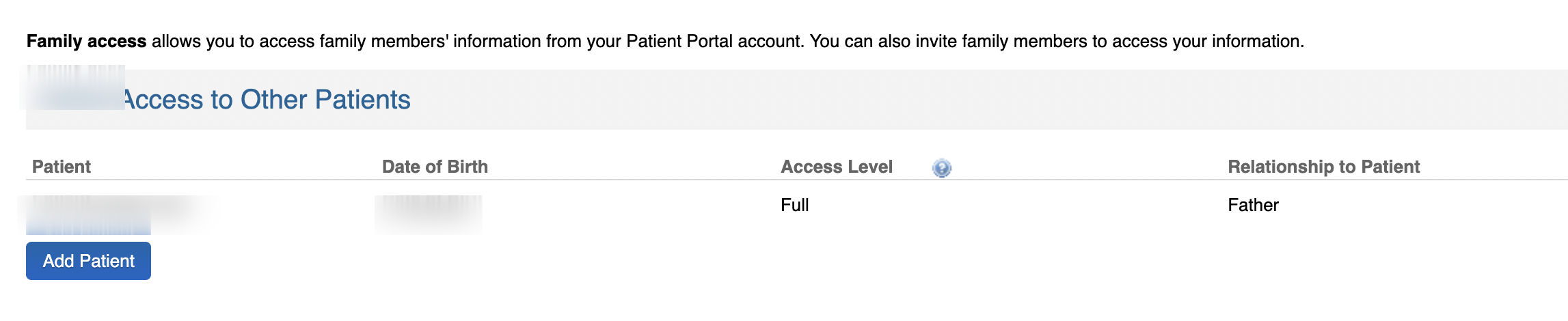
  1. Log in on the web, open My Profile, and select Family Access.
  2. Select Add Patient.
  3. Enter your child's details exactly as they're on file with us: name, date of birth, phone, and your relationship to them. Choose No Emailif they don't have their own.

Older kids work a little differently. A teen 13 or older can have their own login, so adding them sends a temporary passcode to their account that they share with you to finish. At 18, athenaPatient moves them to their own private account and your access defaults to billing only.

Details have to match your child's record with us, or the request won't go through. If anything doesn't match or you get stuck, call any office and we'll set it up with you.

Frequently asked questions

All Watchung Pediatrics offices switched on Tuesday, June 2, 2026.
All patient records and scheduled appointments have been transferred into the new system. There is no action you need to take on this end.
Of course. Lactation, nutrition, social work, new parent classes, and walk-in hours will all continue as before.
Our new patient portal, athenaPatient, is open for registration. We're sending text and email blasts with links to sign up. The former PCC patient portal stays available, read-only, until August 2026 to review lab results, visit notes, and old messages.

Questions?

Call any office and a team member will help.